How to install Microsoft Store Apps
- Open the App Center
- Click on an app
- When asked, click Open
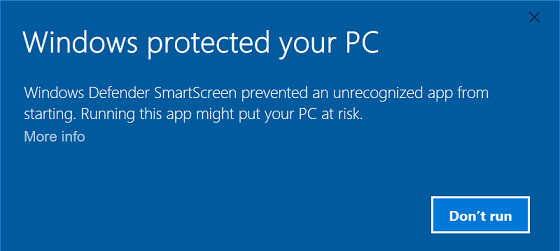
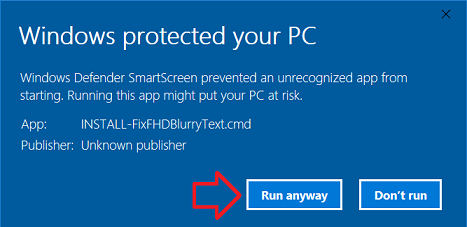
- In the 'Windows protected your
PC' dialogue, click More info
- Click Run anyway
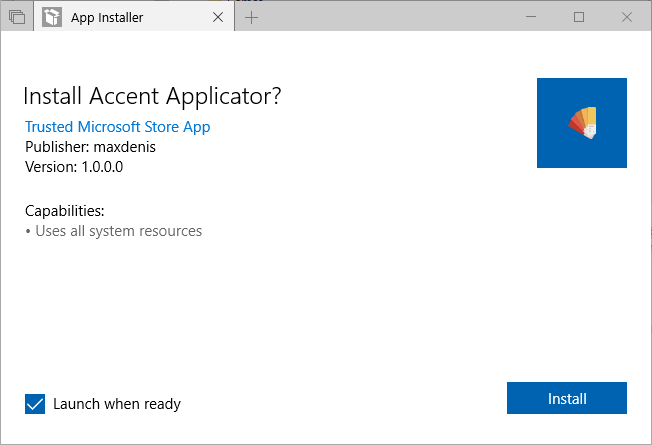
- Click Install
- The app should now be available
in the 'All apps' section of Start.